
1. Choose two clear portraits
Upload one portrait per person. In the Raindance AI Video Generator, Person 1 sits on the pier and Person 2 approaches. Swap the roles to reverse them. Separate portraits help distinguish faces; use authorized images.
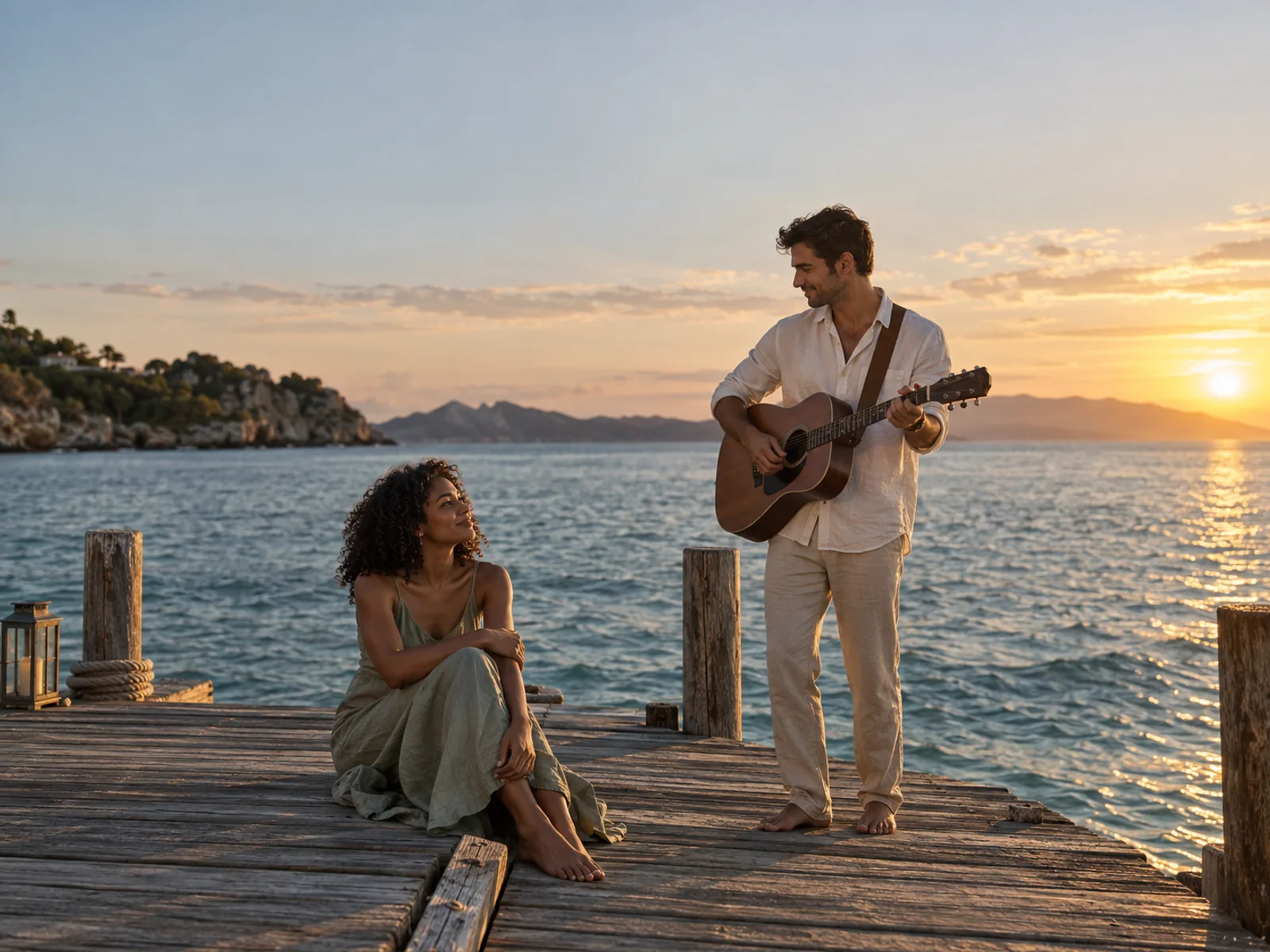
Make the pier moment yours. Raindance AI Video Generator brings two familiar faces into a seaside performance. Add your photos, assign the roles, and check the credit cost before you create.
Create my Raindance videoThe seated person at the opening.
The approaching performer.
Reference performance: identities follow the prepared pier video.
Reference time included in quote: 5s
Costs 53 credits · 30 welcome credits for eligible new accounts
This scene illustration is a concept reference, not a generated video. Reference-video models follow prepared footage; image-based models interpret the scene.
YOUR TWO-PERSON VIDEO
The Raindance AI Video Generator combines your portraits with a reference performance or a new pier scene. Choose the model and framing, check the credit quote, and create without writing a prompt.
Upload one portrait per person. In the Raindance AI Video Generator, Person 1 sits on the pier and Person 2 approaches. Swap the roles to reverse them. Separate portraits help distinguish faces; use authorized images.
The Raindance AI Video Generator offers six Kie models, including MiniMax H3 and Seedance. Credit cost changes with resolution, duration, audio, and reference-video time. Review the quote before submitting. Sign in to view your balance. If credits fall short, select a plan or pack; your photos stay ready.
Follow your Raindance AI Video Generator task through preparation and rendering. Queue time varies. Review faces, hands, and framing before downloading. Audio options vary; attach available licensed music in your social app.
BETTER INPUTS, CLEARER IDENTITIES
The Raindance AI Video Generator needs clear facial detail as poses change. Use recent, evenly lit portraits with the full face visible and one adult per photo.
For the Raindance AI Video Generator, avoid sunglasses, heavy filters, face obstructions, or extreme side profiles. Glasses can make details harder to preserve. If a result loses your features, try a sharper, front-facing photo before buying a larger pack.
Distinct portraits help the Raindance AI Video Generator keep roles understandable. Check the upload labels, especially when both people have similar features. The preview describes the intended roles; it cannot guarantee that the model will maintain perfect identity throughout every frame.
Only use your own portraits or photos the depicted adults have authorized you to use. The Raindance AI Video Generator sends the necessary inputs to a video provider to process your request. Read the privacy policy before uploading sensitive images, and keep personal addresses, documents, or identifying background details out of the frame.
BUILT AROUND THE TREND
Raindance videos share a setting and two-person performance atmosphere. The Raindance AI Video Generator handles those scene choices so you can concentrate on the people and review the result.
The Raindance AI Video Generator explains who sits on the pier and who approaches, making the upload order clear. Couples and friends can try the scene when both agree to use their photos. Reference-video models follow the prepared performance; image-based models create a new interpretation.
Try five seconds first with the Raindance AI Video Generator. Compare models against your budget. Raindance AI Video Generator options guide creation; they cannot guarantee likeness. Turns and overlaps may still cause artifacts.
Use your Raindance AI Video Generator download in your own edit. Some models include generated sound; the original song is not supplied. Check framing before cropping. This is an independent tool, without artist or platform affiliation.
KNOW THE COST BEFORE GENERATING
Eligible accounts receive 30 trial credits. Costs vary by model, so check the quote. The Raindance AI Video Generator offers monthly plans, annual plans with credits together, and one-time packs from $5. Start small to evaluate the Raindance AI Video Generator. Confirmed video failures restore unused credits. PixVerse includes a separately priced prepared frame: once delivered, its preparation charge remains even if the video fails.
QUESTIONS BEFORE YOUR FIRST CLIP
The Raindance AI Video Generator creates a two-person seaside clip from authorized portraits. Reference-video models guide performance; image-reference models create a new scene. Results depend on the model and inputs.
Eligible new accounts receive 30 trial credits. Some lower-cost configurations fit that balance; others need a top-up. The Raindance AI Video Generator displays the cost before you start.
Both portraits guide the model, but exact likeness is not guaranteed. Faces can drift during turns, close interaction, or motion. Check the completed clip for identity swaps and visible distortions, and start with sharp individual portraits.
The original Raindance song is not provided. Seedance output is configured without generated audio; other models may produce sound, and PixVerse offers an audio option. Add licensed music through your publishing platform.
Confirmed failures return unused video credits. For PixVerse, a successfully delivered prepared frame remains charged separately. Unknown provider acceptance requires review before refunding or submitting again. Keep your task reference for support.
Queue and processing time vary. The Raindance AI Video Generator tracks preparation and rendering, and restores your task when you return. Choose a supported duration and resolution; review the quote before starting.
Choose two portraits in the Raindance AI Video Generator, confirm the roles, and review the credits. Inspect your first short video before deciding what to share.
Create at your own pace
Choose monthly or yearly billing for regular creating, or a credit pack for occasional videos. Check the model cost before submitting.
For a few personal clips.
190 creditseach month
Up to 3 MiniMax H3 five-second attempts
For a regular creative rhythm.
700 creditseach month
Up to 13 MiniMax H3 five-second attempts
More credits for a larger project.
2,430 creditseach month
Up to 45 MiniMax H3 five-second attempts
Plans renew; packs do not. Annual credits arrive together. Example counts use MiniMax H3 at the 720p setting with a five-second output; reference time is also charged. Other settings cost more.